The mysterious triangle on Samsung screens: what this indicator means
Samsung Galaxy users often encounter an unfamiliar triangle icon that limits background app activity.
 💡Tech
Photo: UNIAN
Key points
- Reason for the triangle icon
- Impact on notifications
- How to disable data saver
Why the unusual symbol appears
Samsung Galaxy owners sometimes notice an icon in the status bar that looks like a road sign — a triangle with arrows inside. This indicator often causes concern, but it does not signal a malfunction or a security threat. Most often, the mode is activated accidentally while using the smartphone or through quick settings.
What the Data Saver mode means
This symbol signals that the "Data Saver" mode is enabled. In the One UI interface, this indicator looks different from standard Android, which often confuses users. The main purpose of this mode is to restrict apps from accessing mobile data in the background to save on data usage.
- Cessation of background synchronization.
- Delay or absence of notifications from messengers and email.
- Reduction in mobile data consumption.
If you are experiencing delayed notifications, you can turn off this feature in the connection settings. The system also allows you to add specific apps to an exclusion list to ensure they continue to work properly even when the data saver is active.
Source UNIAN — unian.ua/techno/software/trikutnik-u-ryadku-stanu-samsung-shcho-ozn… ↗
Read next
 🏙️City
How to check the battery health of a used smartphone: tips for buyers in Zhytomyr
When buying used electronics, the battery is often a hidden risk. Experts have provided a guide on how to independently identify worn-out parts before making a payment.
 🏙️City
Zelenskyy responds to Trump's 'friend' comment regarding Putin
Ukrainian President Volodymyr Zelenskyy commented on Donald Trump's remarks, after the US leader referred to the Kremlin head as his friend during a meeting in China.
 🏙️City
Zhytomyr Honors 17 Fallen Territorial Defense Force Soldiers
Families of 17 fallen soldiers from the Zhytomyr Territorial Defense unit received posthumous departmental awards.
 🏙️City
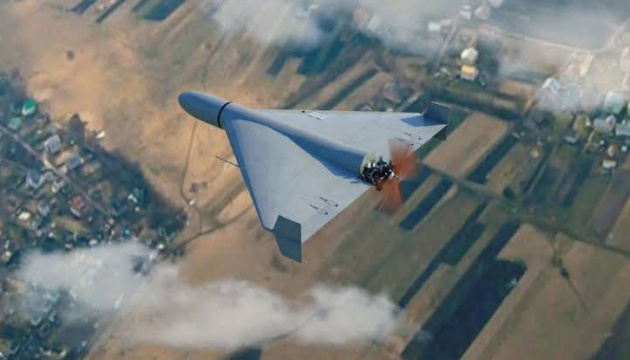
Moldova Reports Airspace Incursions: Drones Detected Near Borders
Moldovan military officials have confirmed two unauthorized drone entries into the country's airspace within a single day.
 💼Economy
Luxembourg Court rules against minority shareholders in Kernel case
The Administrative Court of Luxembourg has dismissed a lawsuit from minority shareholders attempting to halt the mandatory share buyout process of Kernel Holding S.A.
 🏙️City
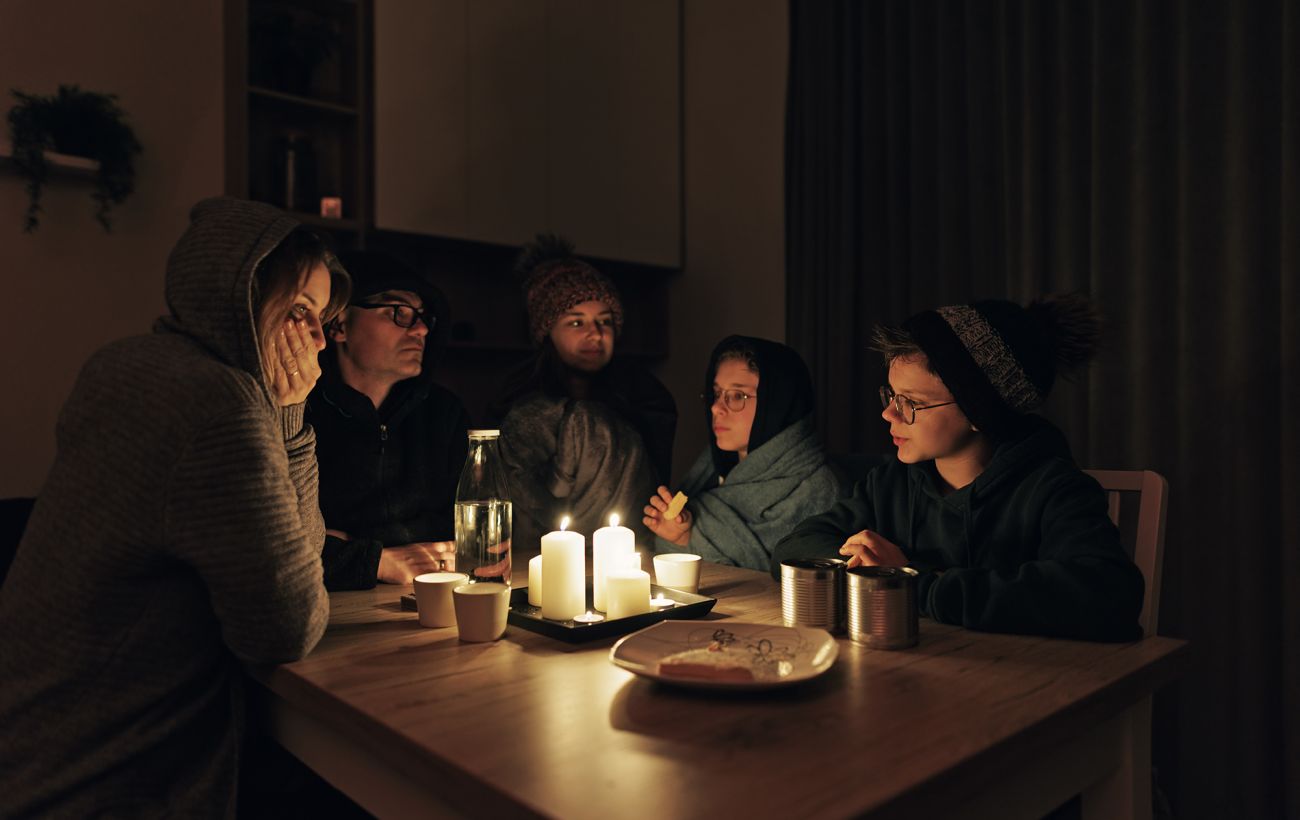
Ukrenergo announces power outage schedules for November 21: what residents should know
On November 21, hourly power outage schedules will be in effect across Ukraine due to damage caused by recent attacks on the energy grid.